
EVO33 APK Download for Android (Nepal)
How to install an Android APK safely, the iPhone and PC alternatives, and how to spot a tampered or fake download.
Written for players in Nepal · Last updated 21 August 2026
In short
An APK is the installer file Android uses for apps that are not distributed through the Play Store. To install one safely you download it only from the operator’s own official page, allow installation from your browser once, then turn that permission off again. This site does not host the file and does not mirror it.
18+ only. Gambling involves financial risk — never stake more than you can afford to lose. Support and self-exclusion options are covered on our responsible gambling page. Affiliate disclosure: this is an independent information site, not the operator. We may earn a commission from links on this page. That does not change the steps below.
The EVO33 APK: what is publicly known
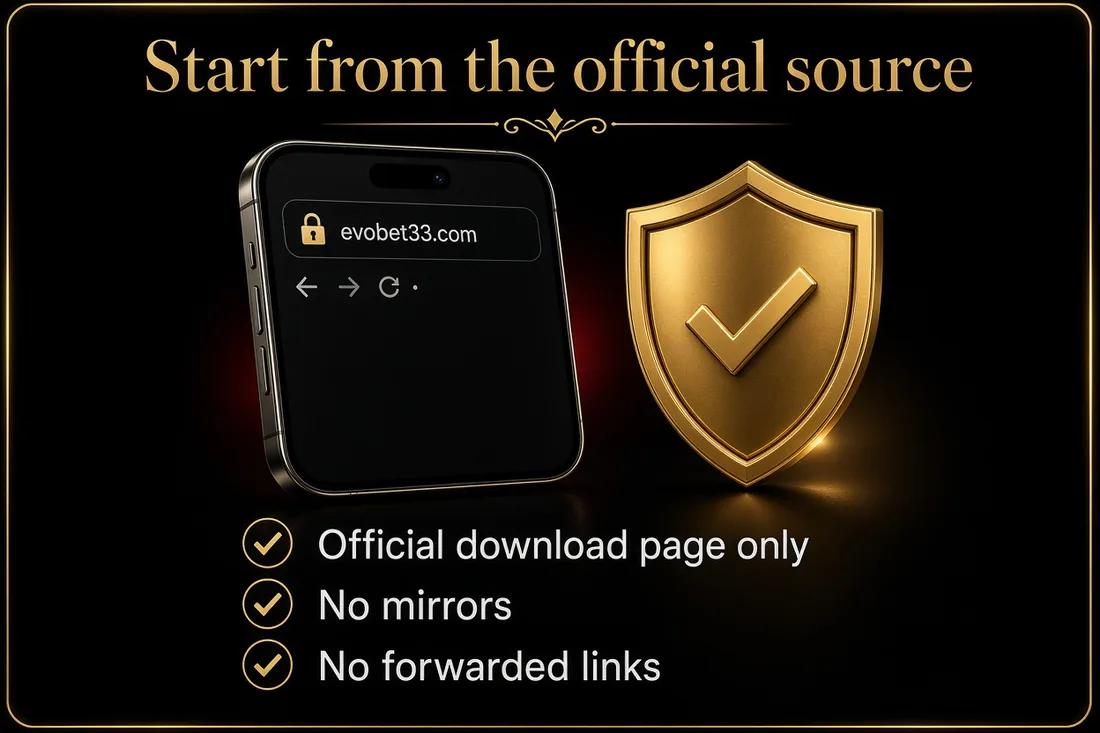
Checked on 25 September 2026.
| Detail | Source | |
|---|---|---|
| Official download | The Download page on evobet33.com (Download in the top menu) links to the app installer page | evobet33.com/info/download |
| Installer page status on 25 Sep 2026 | Not loading. The server returned an error, so check again later, and only ever start from evobet33.com | Our check |
| Last build listed by APK mirror sites | Version 2.1, package com.evo33.evo33, about 3.9 MB, updated May 2023, Android 4.1 or later | APKPure, APKCombo |
| Google Play | Removed from Google Play on 8 June 2023 | AppBrain |
What this means: EVO33 doesn’t publish a current version number or file size. The mirror listings date from 2023, so a file offered today may be newer, or may not be the real app. Start from evobet33.com, and run the tamper checks below before installing anything.
What this page covers
Everything below is written for players in Nepal
What is an APK, and why does an app need one?

APK stands for Android Package. It is the format Android uses to install an
app, in the same way a .exe installs a program on Windows. When you
install from the Play Store, Android downloads an APK for you and you never see
it.
Apps distributed outside the Play Store hand you that file directly. This is a normal, supported part of Android — it is also the reason care is needed, because nothing has checked the file on your behalf. The rest of this page is about replacing that missing check with your own.
How do I install an APK on Android?
- Start the download from the operator’s official page. Not a mirror, not a link forwarded in a chat group, not a shortened URL you cannot read.
- Wait for the file to finish downloading. A partial APK will fail to install, and a failed installation is often mistaken for a blocked one — which is what pushes people toward unofficial mirrors.
- Open the file from your notifications or Downloads folder. Android will ask whether to allow installs from the app you downloaded with, usually your browser.
- Grant that permission. The prompt is Android’s “Install unknown apps” setting. It is per-app, not global: you are allowing your browser specifically, not opening the whole phone.
- Read the permission list before you tap Install. This is the step almost everyone skips, and it is the one that catches tampered files. See the checks in the next section.
- Turn the permission back off. Settings → Apps → your browser → Install unknown apps → off. It takes ten seconds and closes the door behind you.
Why don’t you host the APK yourself?

Because hosting it would make this page less safe, not more.
Every time an installer file is copied to another server, the reader loses the ability to tell whether what they received is what the developer built. A mirrored APK can be repackaged with additional code and still install, still open, and still look correct. The reader has no practical way to detect that. Pointing you at the source keeps that chain intact.
It is also worth being straight about the limits of what any information site can verify — including this one. We can explain the procedure, describe the warning signs, and tell you where the official destination is. We cannot inspect the file you personally download, and we do not claim to. Any site that promises a download is completely safe is telling you something it cannot know.
How can I tell if an APK has been tampered with?
None of these checks require technical skill, and any one of them failing is reason enough to stop.
| Warning sign | What it means |
|---|---|
| The page asks you to pay to download | Legitimate operator apps are not sold as downloads. A payment request at this stage is the scam itself. |
| You are asked for a password or OTP before installing | No install needs your credentials. This is credential harvesting, and the OTP is usually being used live against your account while you type it. |
| Permissions do not match the app’s purpose | A betting app has no reason to request your SMS messages, call log or contacts. SMS access in particular allows an attacker to read the one-time codes your bank or wallet sends. |
| It is labelled “mod”, “hack”, “unlimited” or “premium unlocked” | These builds are modified by definition. The advertised advantage is fictional; the modification is not. Operators also void accounts caught using them. |
| Play Protect warns you and you are told to disable it | Any instruction to switch off your phone’s own protection should end the installation. |
| The download arrived in a Telegram or YouTube link | Not proof of anything by itself, but it is the most common distribution route for repackaged files. Go to the official page and start again. |
Can I use it on an iPhone or a PC?
iPhone and iPad: iOS does not install APKs at all — the format is Android-only, and no legitimate tool changes that. What works instead is opening the operator’s site in Safari and choosing Share → Add to Home Screen. That places an icon on your home screen that opens the site full-screen, without Safari’s address bar. There is no App Store download and nothing to sideload.
PC or laptop: open the site in any current browser. Nothing needs to be installed.
Once you are in, our login guide covers signing in and verifying you are on the genuine page, and the payments guide explains how deposits and withdrawals work before you fund anything. If something goes wrong at any stage, contact support the safe way.
What should I check before I install anything?

- The download started from the official page, not a forwarded link.
- The permission list matches what a betting app would plausibly need.
- Play Protect is switched on and has not objected.
- You were not asked for a password, an OTP or a payment at any point.
- “Install unknown apps” has been switched back off afterwards.
- You have decided what you are willing to deposit before you open the app — not after. Gambling involves financial risk, and deciding a limit while you are already playing is the hardest time to do it.
EVO33 APK not installing?
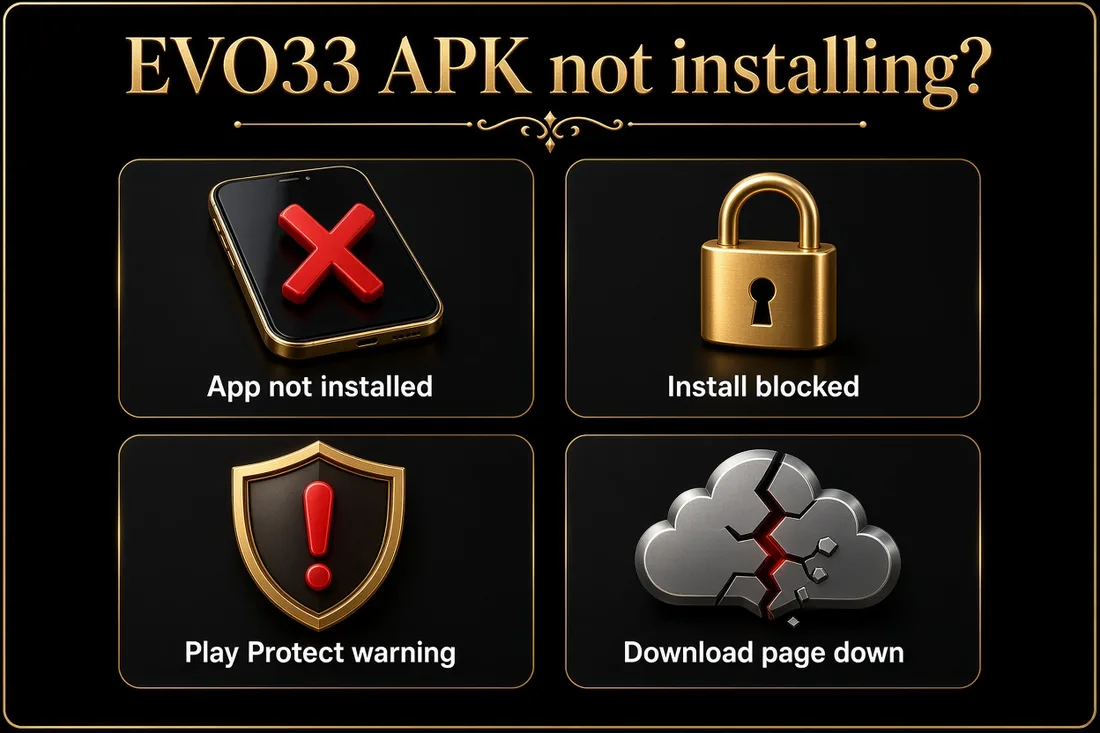
“App not installed”. Common causes include an older copy of the app still on the phone (uninstall it first), too little free storage, or a download that didn’t finish. Download it again from evobet33.com and try once more.
“Install blocked” or “For your security…”. Android blocks installs from unknown sources by default. Allow your browser to install unknown apps for this one install, then turn the permission off again (see the steps above).
Play Protect warning. Google Play Protect may warn about apps from outside Google Play. The EVO33 app hasn’t been on Google Play since June 2023, so the warning is expected. It is also exactly why the tamper checks on this page matter. If the file came from anywhere other than evobet33.com, don’t install it.
The installer page won’t load. The app’s download server can be temporarily unavailable, as it was on 25 September 2026. Don’t go looking for the file on other sites. Use EVO33 in your phone’s browser at evobet33.com until the official download works again.
Frequently asked questions
Is it safe to install an APK on Android?
It is safe when the file comes from the developer’s own official page and you check the permissions before installing. The risk does not come from the APK format itself — it comes from mirrors and repackaged copies, where you have no way to confirm what you actually downloaded.
How do I install an APK file on Android?
Download it from the official page, open it from your Downloads folder, allow “Install unknown apps” for your browser when prompted, review the permission list, then tap Install. Afterwards, switch that permission back off in Settings → Apps. The whole process takes under a minute.
Can I install the APK on an iPhone?
No. APKs are an Android-only format and iOS cannot run them. Use Safari to open the site, then Share → Add to Home Screen for a full-screen icon that behaves like an app. Any tool claiming to install APKs on iPhone should be treated as unsafe.
Should I use a “mod” or “unlimited” version?
No. Those builds have been modified by someone other than the developer, and the advertised advantage does not exist — the modification is real, the benefit is not. They are a common carrier for credential-stealing code, and operators routinely void accounts found using them.
How do I update the app later?
Download the current APK from the same official page and install it over the existing one. Your account is held on the operator’s servers, not in the app, so signing in again restores everything. Never take an update from a link sent to you in a message.
This is an independent information site. We do not host any download, cannot access your account, and never ask for a password or a one-time code.
Install it the safe way
Start from the official source, check the permission list, then close the door behind you.